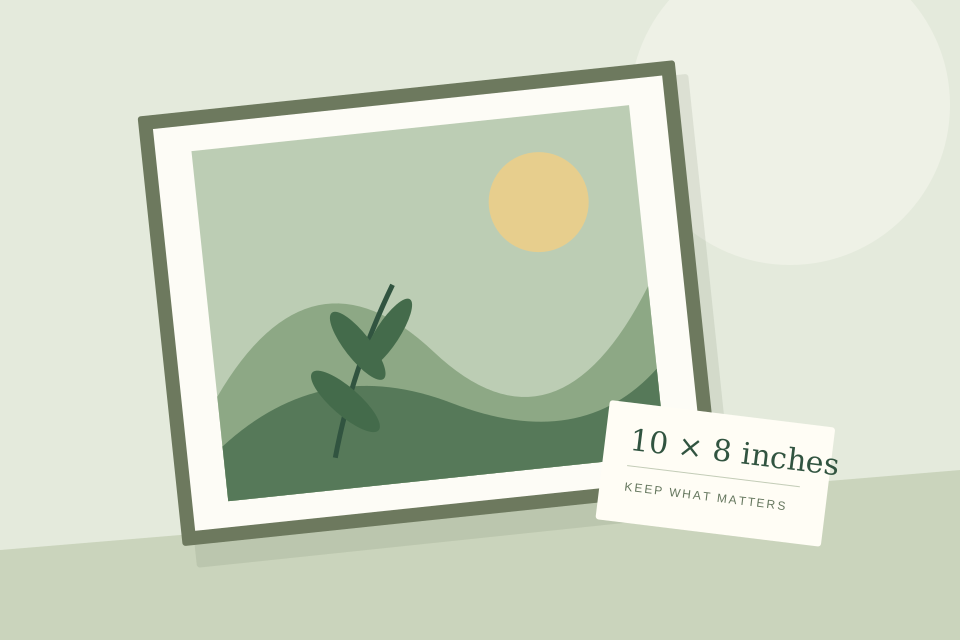
A 10 × 8 photo crop: the file, the settings, the result
Follow a real image through Swetter: compare centered and shifted crops, check 320 PPI, and reproduce the export with the same source photo.
Read the story ↗Step-by-step projects with real tool screenshots, checked exports and files you can try. From a first crop to a measured paper proof.
Follow a real image through Swetter: compare centered and shifted crops, check 320 PPI, and reproduce the export with the same source photo.
Read the story ↗Made to read. Ready to put into practice.
4 stories
Follow a real image through Swetter: compare centered and shifted crops, check 320 PPI, and reproduce the export with the same source photo.
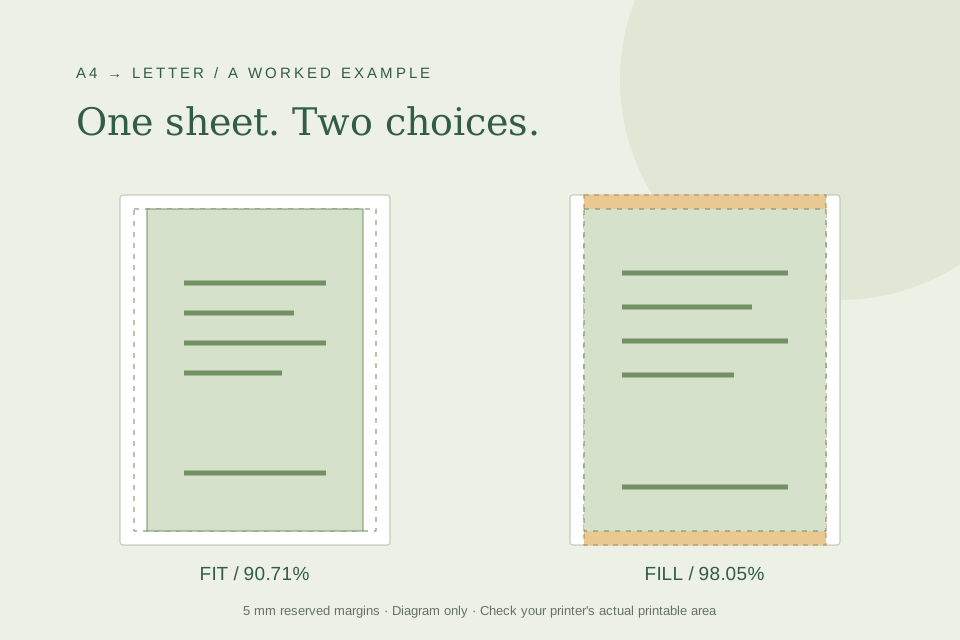
Read the story ↗Compare real calculator runs for A4 on Letter paper with a 5 mm margin: 90.71% keeps the page, while 98.05% crops 21.8 mm of scaled content.
Read the story ↗Use a checked A4 PDF with a 100 mm square to investigate print scaling, distinguish size from position, and record a useful first-sheet result.
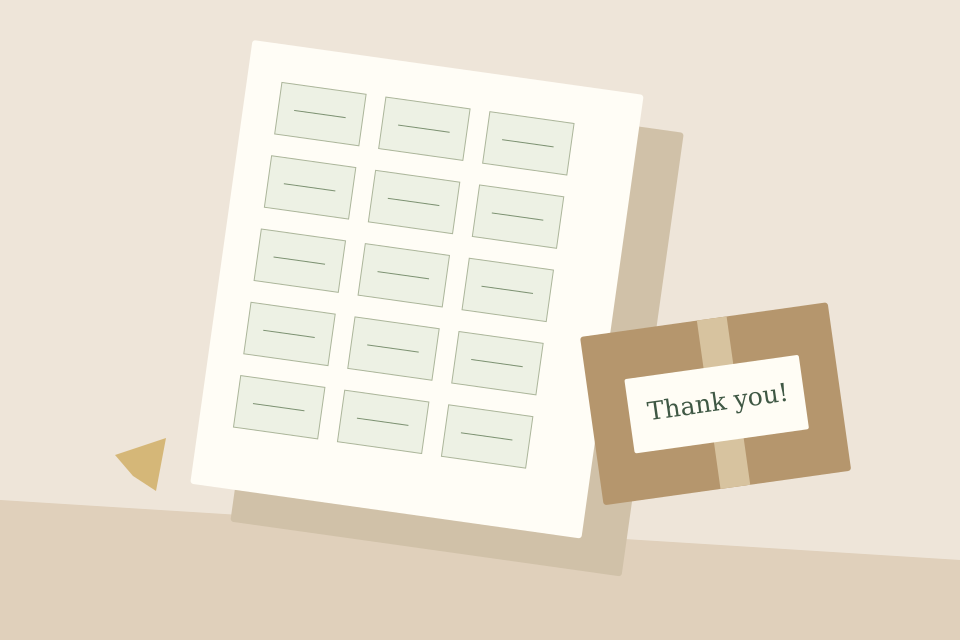
Read the story ↗Recreate a 30-label A4 layout with exact inputs, real tool screenshots, both exported pages and a downloadable 50 × 30 mm PDF.
Read the story ↗Try a broader word such as photo, label or paper.
Check your photo, plan a crop or lay out a label sheet.